1
No setup moment.
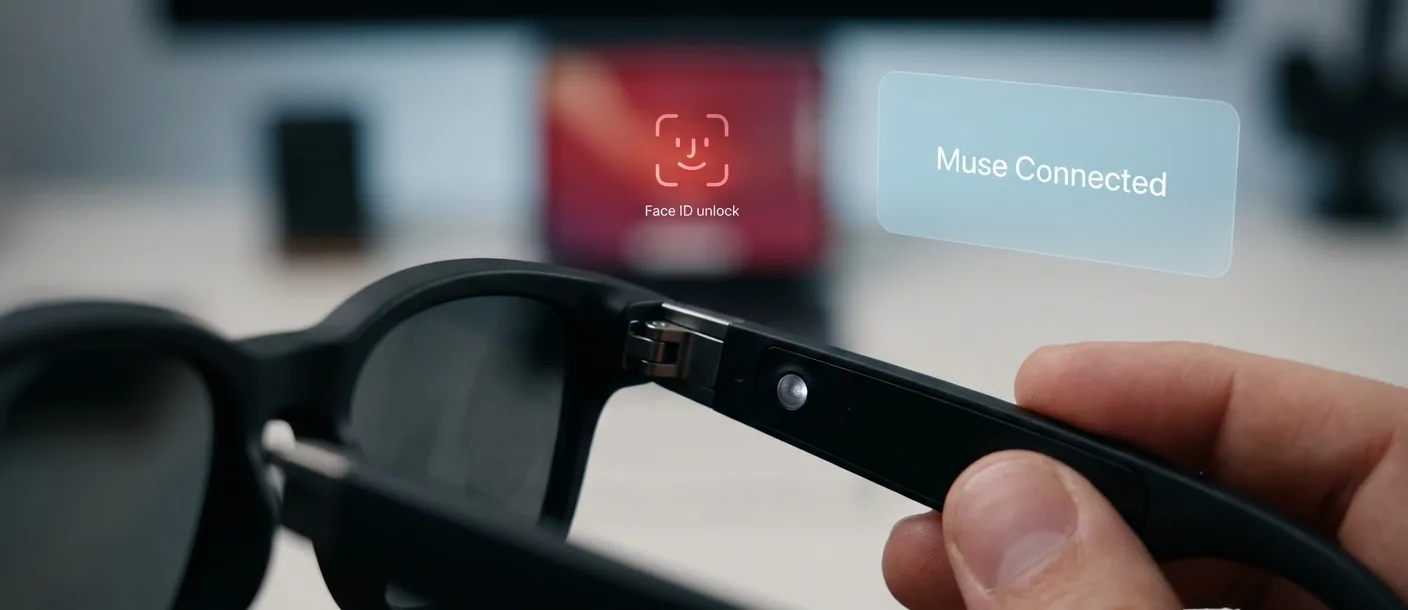
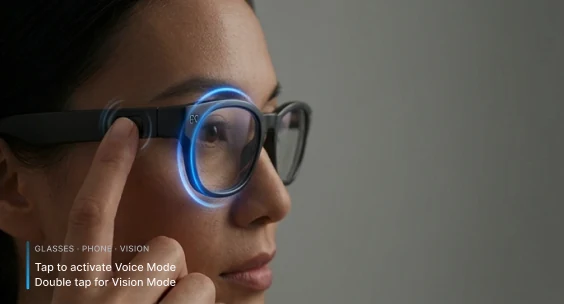
Put the glasses on and your agent is already there. The glasses unlock it, launch it, and drive it — no re-pairing, no bouncing between apps.
Product concept
What if my personal agent could come with me through a real workday — and see what I see?
01
I use a lot of AI tools. Each one knows a slice of my day, and none of them know each other. So I became the bridge: copying notes, re-explaining context, keeping a running markdown file just so the next tool could catch up.
When Meta launched Muse this month, I set up my own agent — I named it Ziggy — and it became the place my day comes together. Then I tried Meta’s glasses in the store, and they connected to a different assistant. Two products I liked, two separate experiences. That’s where this concept starts — not from a strategy deck, from my own day.
02
I mapped one ordinary workday and marked every moment where context had to move. Three kinds of handoff kept showing up.
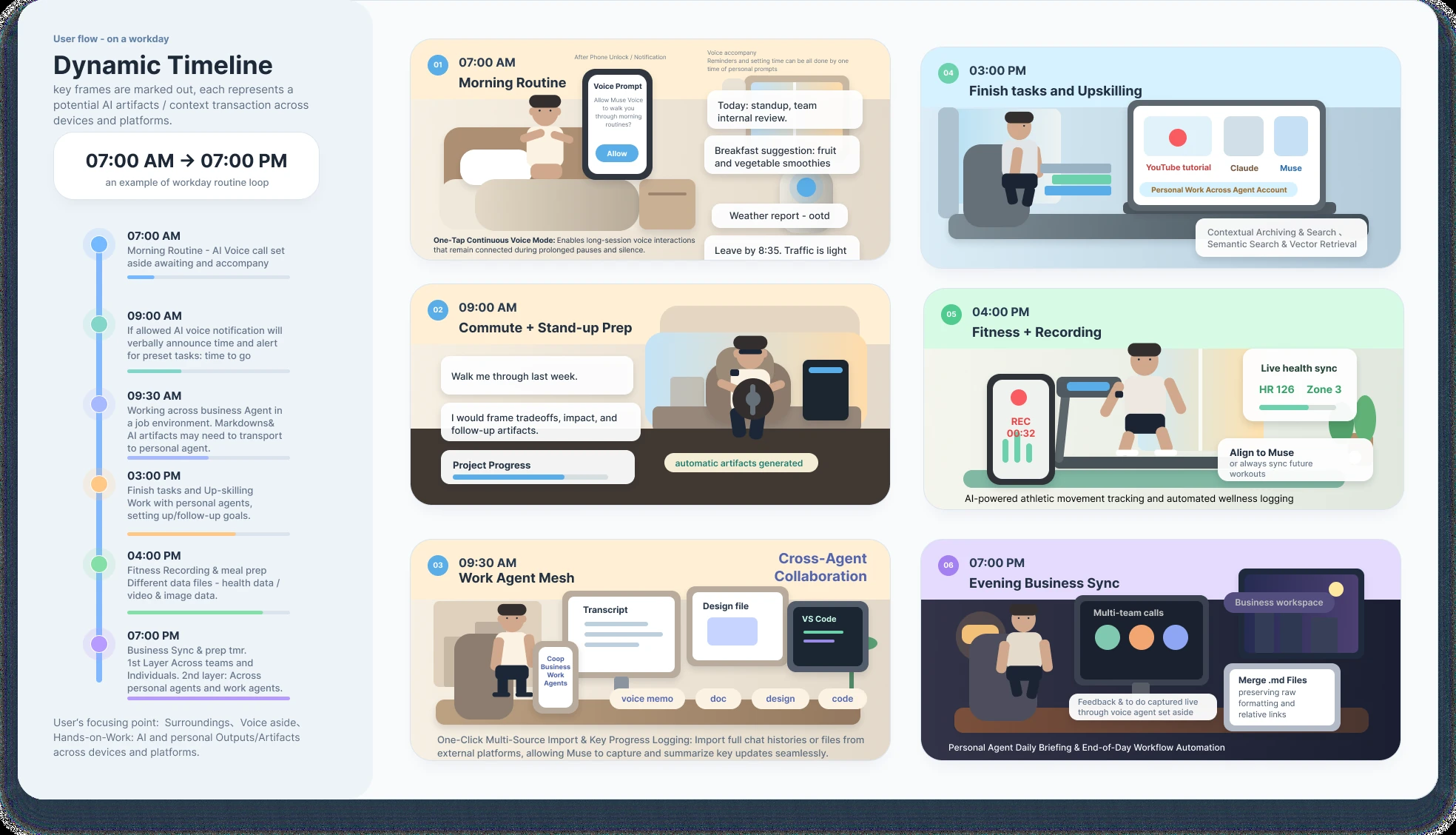
07:00
One voice session follows me from phone to glasses and holds through the pauses. No re-waking it every time I put the phone down.
09:30
When a meeting ends, I pick what crosses over. Only the to-do goes — a title and a due time, never the file.
19:00
Everything the day produced lands in one evening briefing: what’s done, what carries over, what I promised.
03
1
Put the glasses on and your agent is already there. The glasses unlock it, launch it, and drive it — no re-pairing, no bouncing between apps.
2
Say nothing. Tap once for Voice mode, twice for Vision mode. It works in a quiet office or mid-conversation, and nobody around you hears a command.
3
Vision mode only turns on when you ask for it, every time. Voice mode is allowed to reach out first — a heads-up before the next meeting, a nudge when it’s time to leave.
04
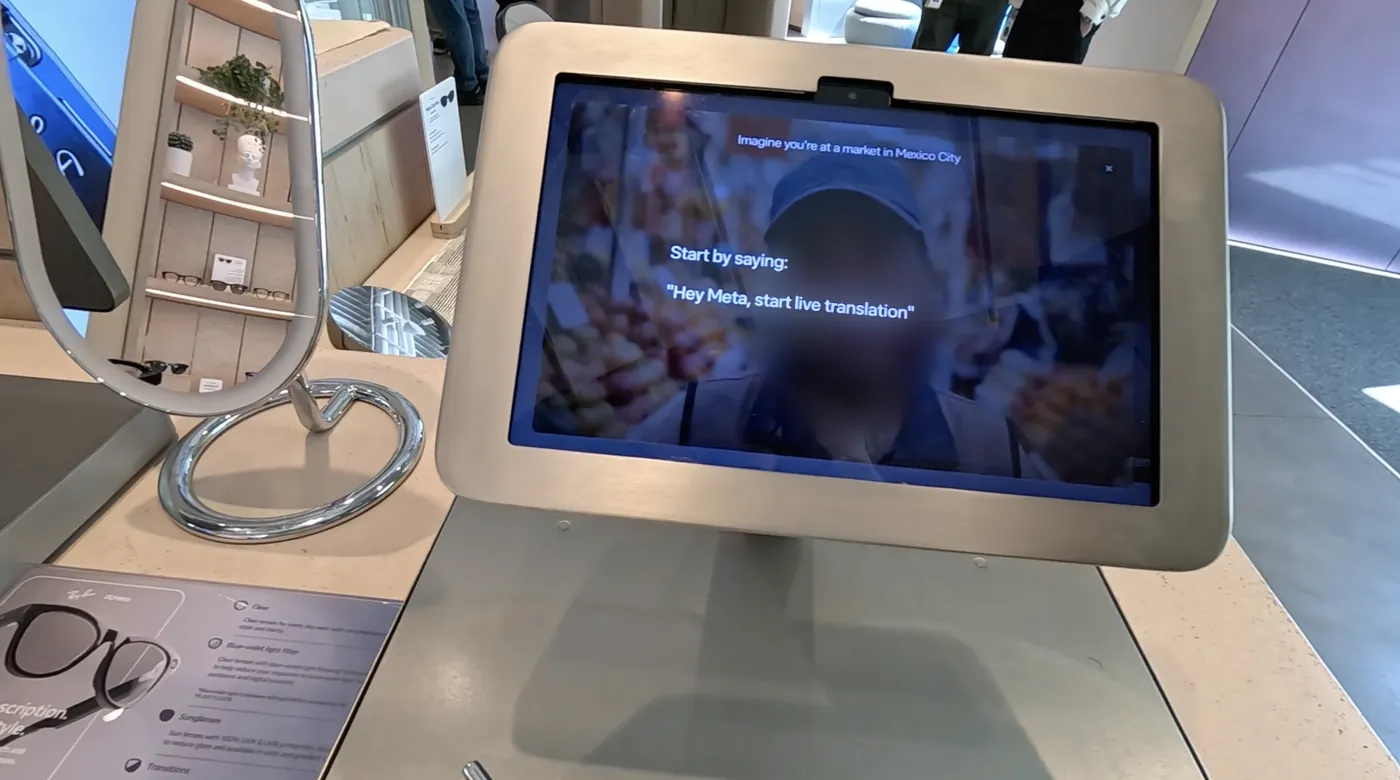
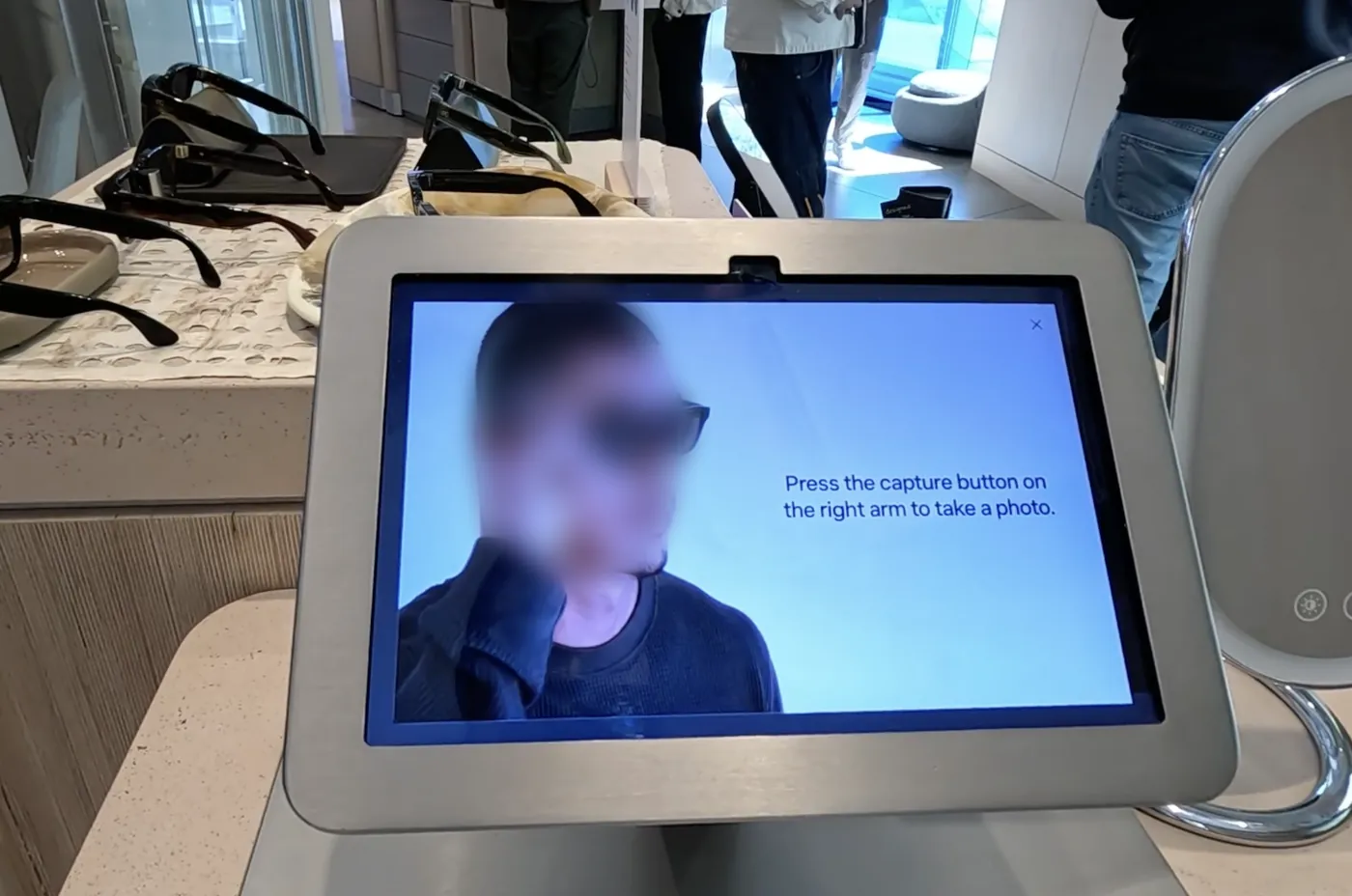
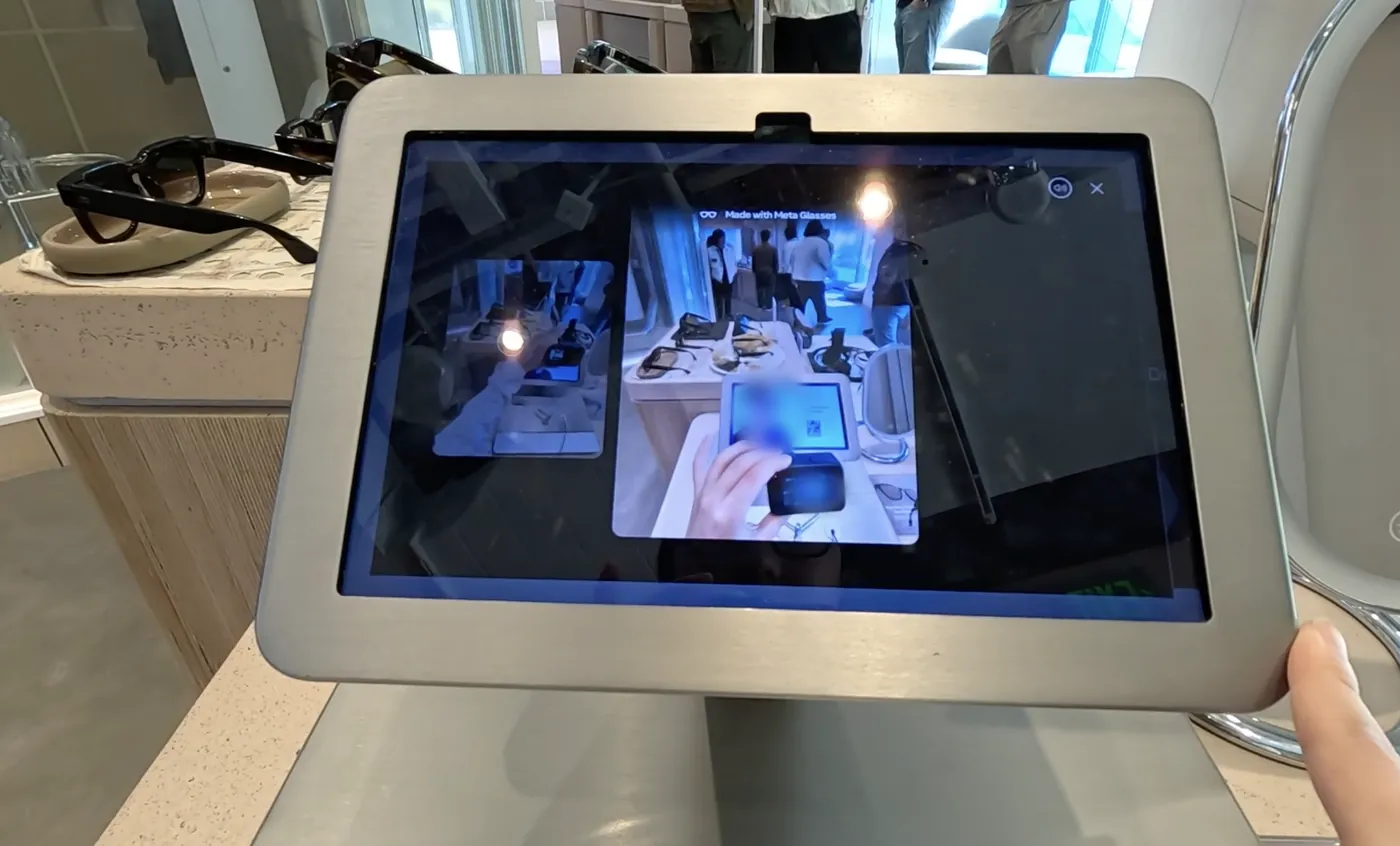
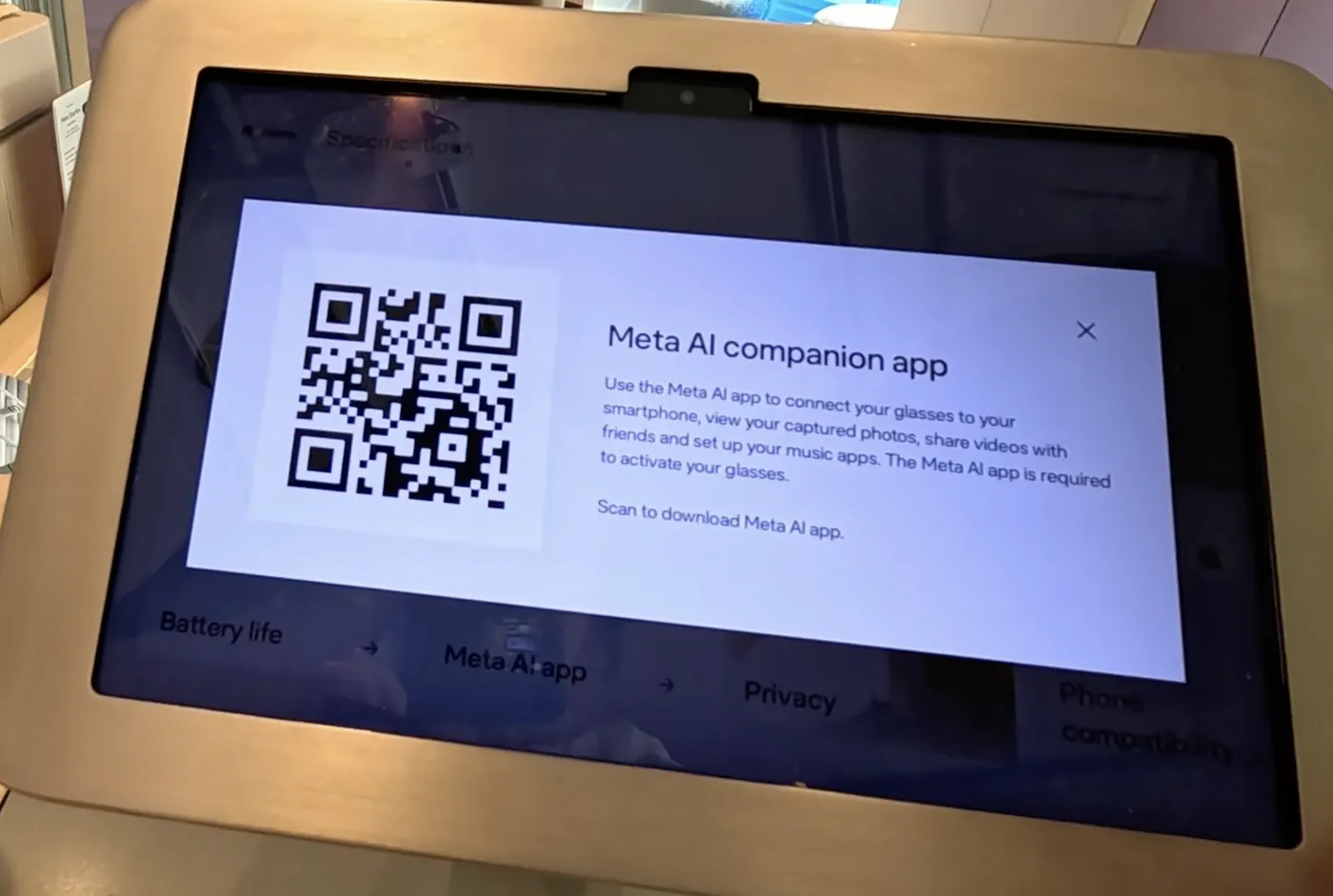
On September 22, I went to the Meta store to try the glasses myself. The hardware was simple and well made: a clean voice experience, and photo and video capture that felt effortless.
A few small details I’d tune right away. Every AI interaction starts with “Hey Meta” — natural on a street, less so in a quiet store or an open office, where I’d rather not announce to the room that I’m talking to my glasses. And the glasses pair with the Meta AI app, while my agent lives in Muse; in the store, I couldn’t get connected to try the AI side at all.
Walking out, one question stuck with me: I already trust my agent with my day. What if it could see it, too?
05
Glasses as an input, not a new app. The glasses stay as simple as they are today. My personal agent is the brain behind them.
The point isn’t the glasses. A personal agent should show up wherever my attention is — face, phone, or neither.
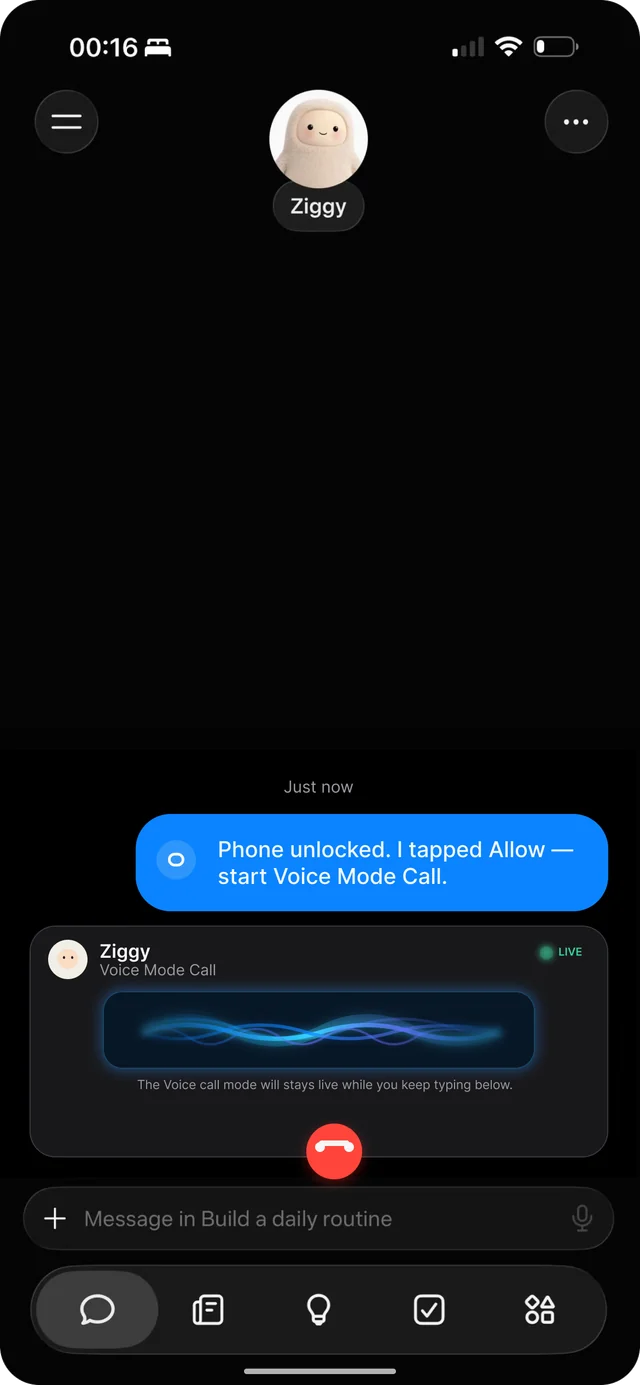
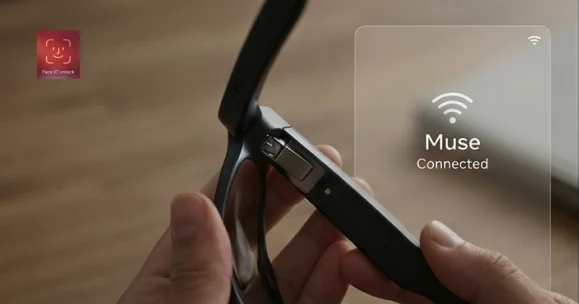
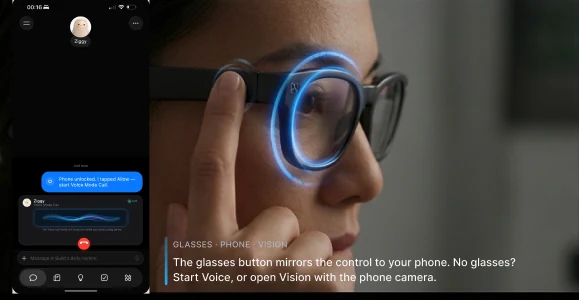
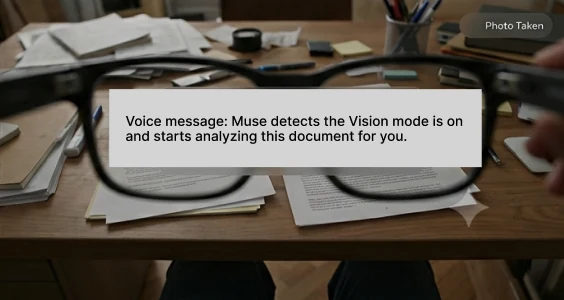
Frames use Muse as the example agent.
06
If the flow feels natural, people keep using it. If they keep using it, trust has room to grow. That loop is the whole bet — and it can’t be skipped.
A personal agent is a lot like a new friend. You don’t hand over your calendar on day one.
Stage 1
It says who it is, what it can see, and what it can’t. Permissions start small and stay explicit.
Stage 2
It learns my routines from what I choose to share. I can see what it remembers and delete it. Scans land in my files, and only what I asked about is kept.
Stage 3
Once it’s earned, it gets more room: proactive nudges, work to-dos I send over myself, and a camera I’m fine using in public — capture light on, bystanders’ faces blurred on-device.
There are likely good reasons this isn’t shipped yet — battery, privacy review, sequencing. From the outside, this is the version I’d want to test.
07
Not the glasses. The smallest thing worth testing is the 09:30 handoff: one “Send to my agent” button in a work tool that passes a to-do across — a title and a due time, nothing else.
If that holds, voice and vision are the next surfaces. If it doesn’t, no hardware will fix it.